Companion plugins

Companion plugins subscribe more inputs for some manufacturers. When you subscribe or unsubscribe an input, a companion plugin can subscribe or unsubscribe the inputs that go with it.

1. The companion plugins

Plugin Manufacturer What it subscribes

SEL

SEL

  • Double position values (CDC DPC, basic type Dbpos): the next input of the pair.

  • Sampled values: the other phases.

Siemens

Siemens SIPROTEC 5

  • Values: the input for their quality.

  • Sampled values: the other phases and the neutral.

NR Electric

NR Electric

  • Values: the input for their quality.

A companion plugin changes only the inputs of IEDs from its manufacturer. It does not change an input that is already subscribed. It unsubscribes an input only when the input subscribes to the data that the companion plugin expects.

2. How to use them

Load the companion plugins with this plugin. For more information, refer to Add the companion plugins.

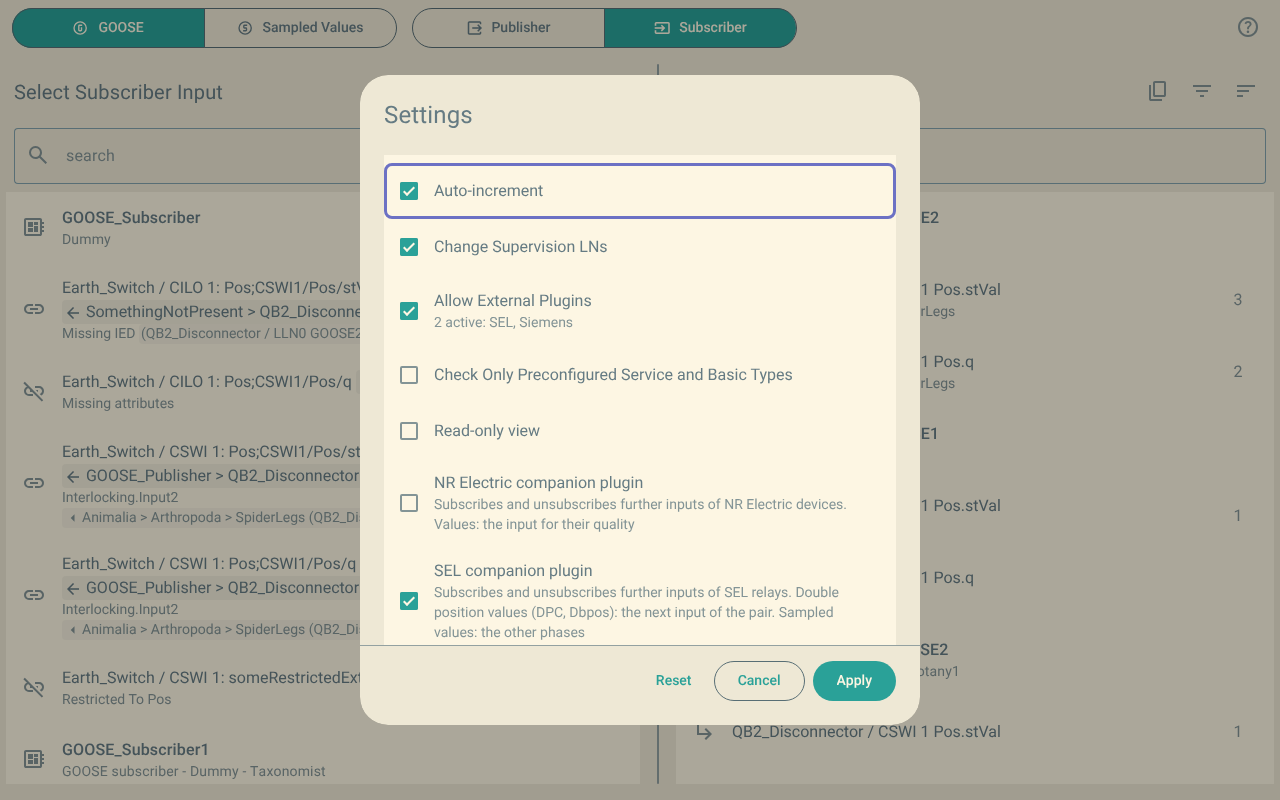
The companion plugins have no screen. They show in the settings of this plugin:

  • The Settings button shows the number of active companion plugins.

  • Allow External Plugins shows which companion plugins are active.

  • Each companion plugin has an item that tells what it does.
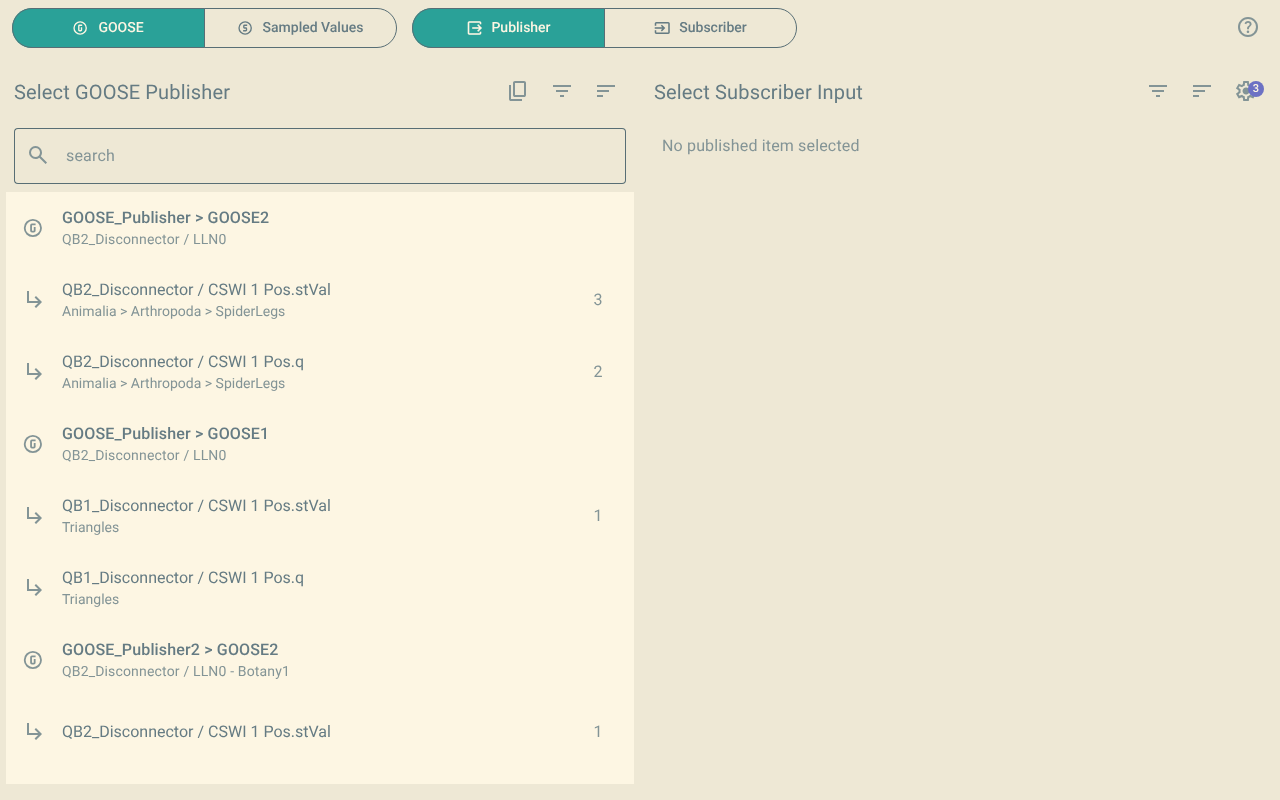
The publisher view. The Settings button above the inputs has a badge with the number 3.
Figure 1. The number of active companion plugins on the Settings button
The Settings menu. Allow External Plugins shows 2 active: SEL
Figure 2. The companion plugins in the settings, with NR Electric turned off

3. Turn a companion plugin on or off

  1. Click Settings.

  2. Select or clear the item of the companion plugin.

  3. Click Apply.

To turn all the companion plugins off, clear Allow External Plugins.

The plugin keeps your choice, also for a companion plugin that is not loaded.

4. Undo

The changes of the companion plugins are part of your subscription. One undo removes your change and the changes of the companion plugins.