Introduction
The Stencil plugin sets up the GOOSE and sampled value (SV) subscriptions of a group of IEDs in one step. It is an editor plugin for OpenSCD.
A stencil is a reusable, tested part of the communication configuration. An example is a bus zone protection relay and the merging units that send sampled values to it. You configure and test the communication one time. Then you apply the stencil to the IEDs of each new project.
1. Terms
The plugin and this guide use these terms.
- Stencil
-
A file that holds applications. A stencil has a name and a version.
- Application
-
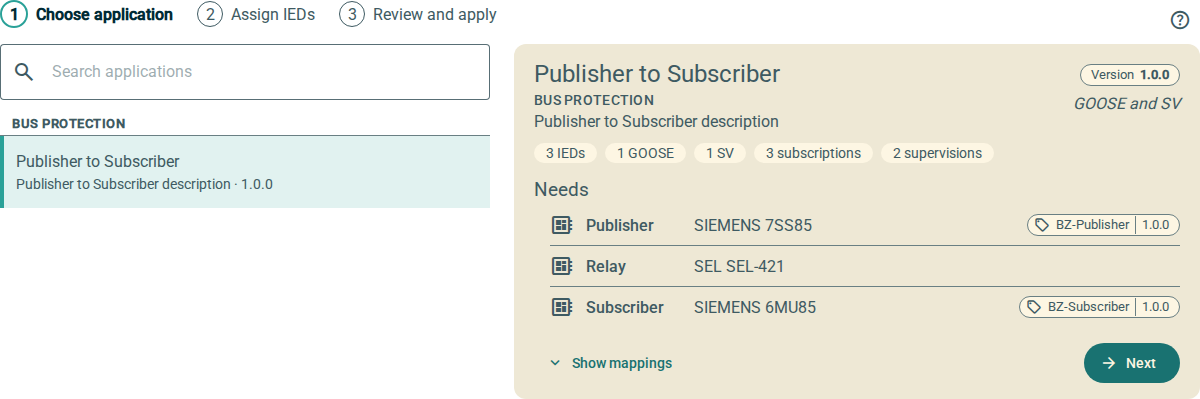
A group of IEDs that communicate, for example Bus Protection › BZ with merging units. An application has a category, a name and one or more versions.
- Version
-
One release of an application, for example
1.0.0. A version records the functions, the control blocks, the subscriptions and the supervisions. - Function
-
A role in an application, for example Publisher or Merging unit 1. A function records the IED that it needs: the manufacturer, the type and, as an option, a stencil tag.
- Stencil tag
-
Two
Privateelements on an IED:OpenSCD-Stencil-IdandOpenSCD-Stencil-Version. When a function records a stencil tag, only an IED with the same stencil tag can fill the function. For more information, refer to Stencil tags. - Input
-
An
ExtRefelement of a subscribing IED. - Subscription
-
An input that receives data from a control block of a publishing IED.
- Supervision
-
The logical node (
LGOSfor GOOSE,LSVSfor SV) that monitors one subscribed control block. - Library
-
The stencils that you imported or made. The plugin keeps the library in the browser.
2. The two tabs
The plugin has two tabs.
- Apply
-
You apply an application of a stencil to the IEDs of the open document. You do not need to know how the stencil was made. For more information, refer to Apply a stencil.
- Manage
-
You import, export and change stencils. You also make new applications from IEDs that are already configured in the open document. For more information, refer to Manage stencils and Create an application from a document.
3. What applying does
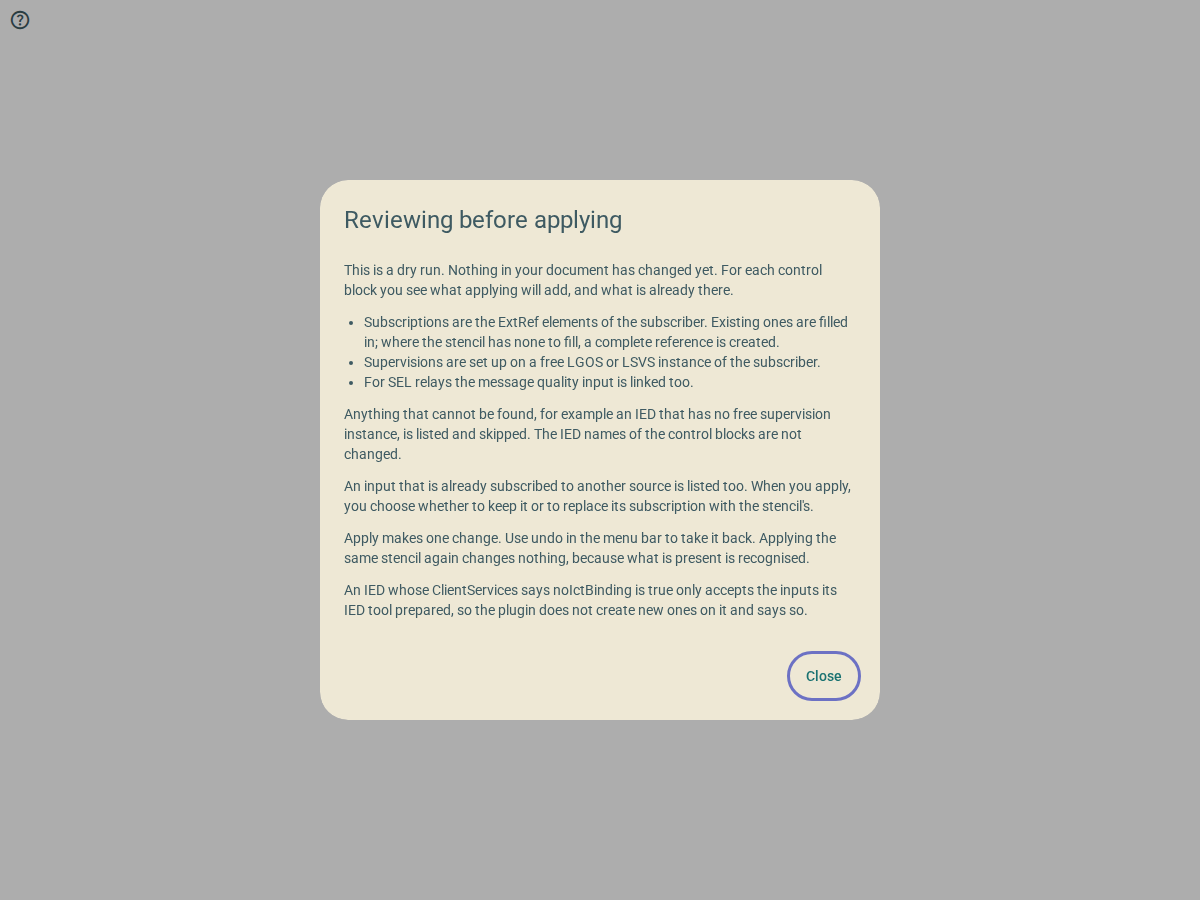
When you apply an application, the plugin makes these changes:
-
It subscribes the inputs of each subscribing IED to the control blocks of each publishing IED.
-
It configures the supervision of each subscribed control block.
-
For SEL relays, it links the message quality input.
The plugin makes all the changes as one edit. To remove the changes, use undo in the menu bar of OpenSCD.
The plugin does not change the IEDName elements of the control blocks.