Search
Each list has a search field. The list shows only the items that match all the terms that you type.
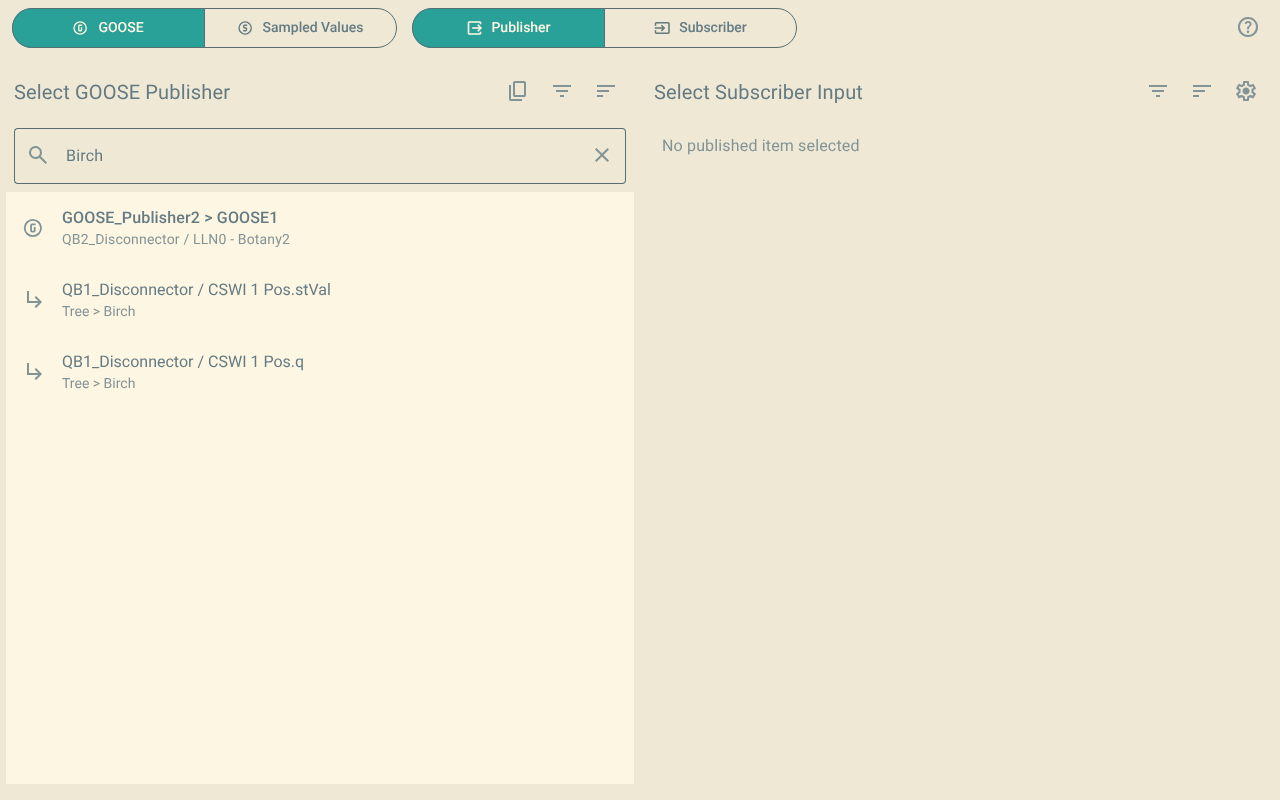
1. Search rules
-
The search is not case sensitive.
posfindsPosandPOS. -
A space separates two terms. An item must match all the terms. The order of the terms is not important. For example,
pos stvalfindsCSWI 1 Pos.stVal. -
Quotes (
"or') keep a phrase together, with its spaces. For example,"Earth Switch"findsEarth Switch 1, but notEarth_SwitchorSwitch Earth. -
*matches any text. For example,Bay*ClosefindsBay 1 CB Close. -
?matches one character. For example,VB0?findsVB01andVB02.
2. What the search looks at
The search looks at more than the text that the list shows.
For published data, the search looks at:
-
The IED, the control block and its description.
-
The reference of the data.
-
The descriptions of the logical device, the logical node, the data object and the data attribute.
-
The common data class (CDC), for example
SPSorDPC. -
The basic type, for example
QualityorDbpos.
For inputs, the search looks at:
-
The IED, the logical node, the internal address (
intAddr) and the description of the input. -
The supervision of the subscription.
In the subscriber view, the search also looks at:
-
The description, the manufacturer and the type of the IED.
-
The published data that the input subscribes to, with its descriptions, its control block, its CDC and its basic type.
A control block or an IED stays in the list when one of its items matches.